Sign Made Easy vs Docusign

Same job — sign, send, and track agreements. Very different experience inside Salesforce. Here's how the two actually stack up, feature by feature.

Sign Made Easy
VS
Adobe Sign

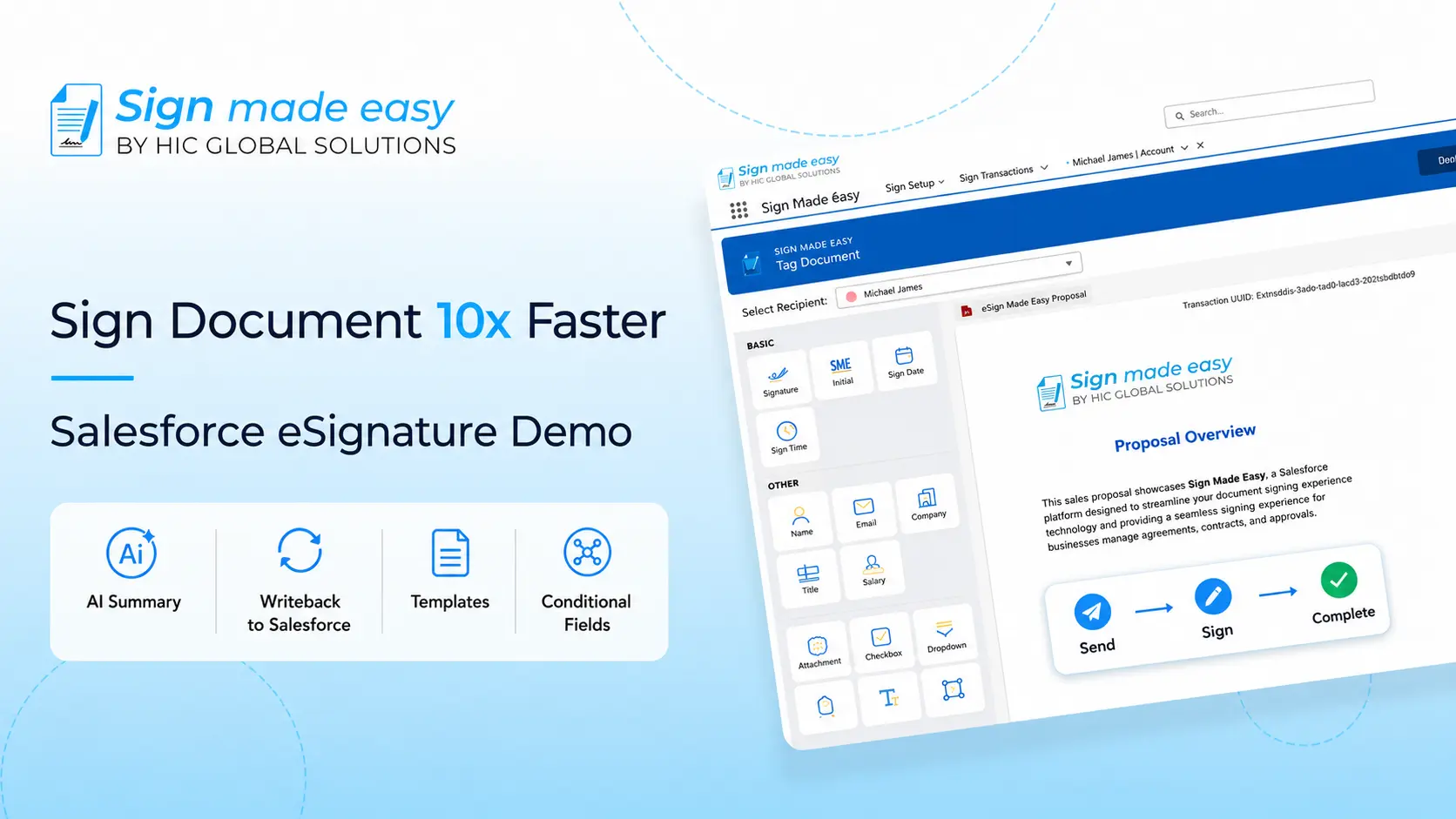
100% Salesforce Native

Built directly inside Salesforce. Your data never leaves your CRM environment, ensuring maximum security and zero third-party middleware risks.

Unlimited Transactions

Say goodbye to strict document quotas and surprise overage fees. Send as many signature requests as your business requires.

Real-Time CRM Sync

Automatically write back captured form data into standard and custom Salesforce fields instantly upon signature completion.

Enterprise Compliance

Fully compliant with SOC 2 Type II, GDPR, HIPAA, and the ESIGN Act with detailed, real-time audit trails included out of the box.

Where the two platforms actually differ

Everything below is scoped to how each product performs for Salesforce teams — not general-purpose signing outside the CRM.

Feature / Capability Sign Made Easy
In-Person Signatures ✓ ✓
Conditional fields ✓ ✓
Multilingual ✓ ✓
Real-Time Audit Trail ✓ ✓
Dedicated Support Affordable Costly
Customizable Templates ✓ ✗
Easy Setup ✓ ✗
Business Unit ✓ ✗
Writeback ✓ ✗
Cost-Efficiency ✓ ✗

Migration Guide: Moving from DocuSign to Sign Made Easy

Transitioning your templates, automated flows, and users takes just 5 clear steps with zero operational downtime.

01

Audit Existing DocuSign Setup

Inventory your existing DocuSign templates, dynamic field merge tags, user licenses, and active automated triggers in Salesforce. Ensure all signed historical PDFs are attached to target records.

02

Install Sign Made Easy Natively

Download the app from the Salesforce AppExchange. Assign native Permission Sets (Sign Made Easy Admin/User) and add document buttons to your Opportunity, Account, or Contract layouts.

03

Rebuild Templates & CRM Field Mappings

Upload document templates and map Salesforce fields using our drag-and-drop editor. Define dynamic conditional logic, recipient signing order, and automatic CRM field updates.

04

Migrate Workflows to Salesforce Flows

Replace external API triggers with standard **Salesforce Declarative Flows**. Automatically dispatch agreement envelopes when Opportunity stages change or records update.

05

Test, Onboard & Decommission DocuSign

Execute User Acceptance Testing (UAT), train team members on the native Salesforce interface, and deactivate legacy DocuSign subscriptions to cut redundant costs.

eSignature Solution for Salesforce
Salesforce eSignature Solution
Digital Signature in Salesforce
eSignature for Salesforce
salesforce digital signature
eSignature Solution for Salesforce
Salesforce eSignature Solution
Digital Signature in Salesforce
eSignature for Salesforce
salesforce digital signature

Frequently asked questions

Yes, Sign Made Easy Pro allows you to add multiple signers, set signing order, and send documents for sequential or parallel signing. It includes tracking, reminders, and audit trails to ensure a smooth, efficient, and compliant signing process within Salesforce.
Yes, Sign Made Easy lets you send automatic reminders to signers for pending documents. This helps speed up the signing process and ensures you never miss important signatures all seamlessly managed within Salesforce.
Sign Made Easy supports popular document formats like PDF, and DOCX, making it easy to upload and sign contracts, agreements, and forms directly within Salesforce.
Compared to others, Sign Made Easy Pro offers smoother Salesforce integration, unlimited templates, lower costs, and a simpler interface. It keeps your documents secure and legally valid, sets up faster, and provides more helpful support tailored to Salesforce users.
Yes! Sign Made Easy Pro provides helpful technical support through email and live chat. You’ll also find easy-to-follow guides and tutorials to assist you at every step, making setup and troubleshooting quick and simple.
With Sign Made Easy, you can quickly sign sales contracts, NDAs, onboarding forms, HR documents, and service agreements—all securely within Salesforce.
Yes, eSignatures in Salesforce are legally binding with Sign Made Easy Pro. We use the Adobe Approved Trust List (AATL) to ensure secure and trusted digital signatures.

Ready to eSign documents, sign PDFs online, and modernize your Salesforce workflows?

Request a demo or learn how Sign Made Easy can transform your document signing process.

Get Started For FREE! Talk to an Expert